
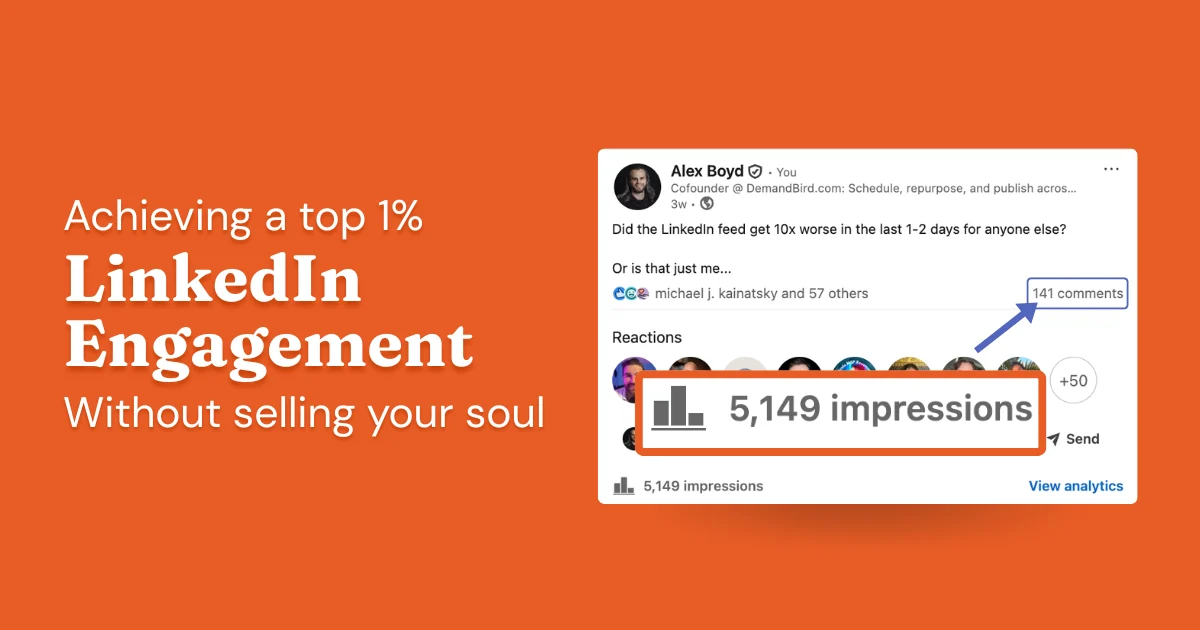
Reach is a fine metric to track. But it's far from the only one that matters. And there's another metric that is related to reach but much less-well-understood: engagement rate.
- LinkedIn engagement rate = (likes + comments + shares) divided by impressions, times 100. Above 2% is good; above 5% is strong.
- The algorithm rewards engagement signals heavily, especially substantive comments and reposts in the first hour after publishing.
- Readable, specific content with a clear call to action consistently outperforms generic content, regardless of format.
- Posting time matters: weekday mornings (Tuesday through Thursday, 7–10 AM ET) are the highest-engagement windows for most audiences.
- Replying to comments quickly, especially within the first hour, extends post distribution and strengthens your network relationships.
What Is LinkedIn Engagement Rate?
The Engagement Rate (calculation shown below) is the sum of Reactions + Comments + Shares + Reposts, divided by the number of Members Reached.
But it's not as if a high rate is good and a low rate is bad. It's more of a declining slope:
- Low-reach posts will often have a super-high engagement rate because LinkedIn only showed them to the few people most likely to want to see it
- Average-reach posts will have a normal (for you!) engagement rate because LinkedIn started showing the post to people beyond just the initial cherry-picked ones
- Viral posts will, surprisingly to the casual LinkedIn user, often have the lowest engagement rate of all. That's because the LinkedIn algorithm decided to push the post way beyond the audience of people who know you already, and into a "general population" audience. This is where you grow followers fast, but this wider audience is less likely to actually react or comment.
To distill this down: compare your engagement rate between posts of similar reach, not between posts of widely-varying reach. Otherwise, you will end up optimizing to create more of the content that was barely shown! You don't want that.
How to Calculate Your LinkedIn Engagement Rate
The formula:
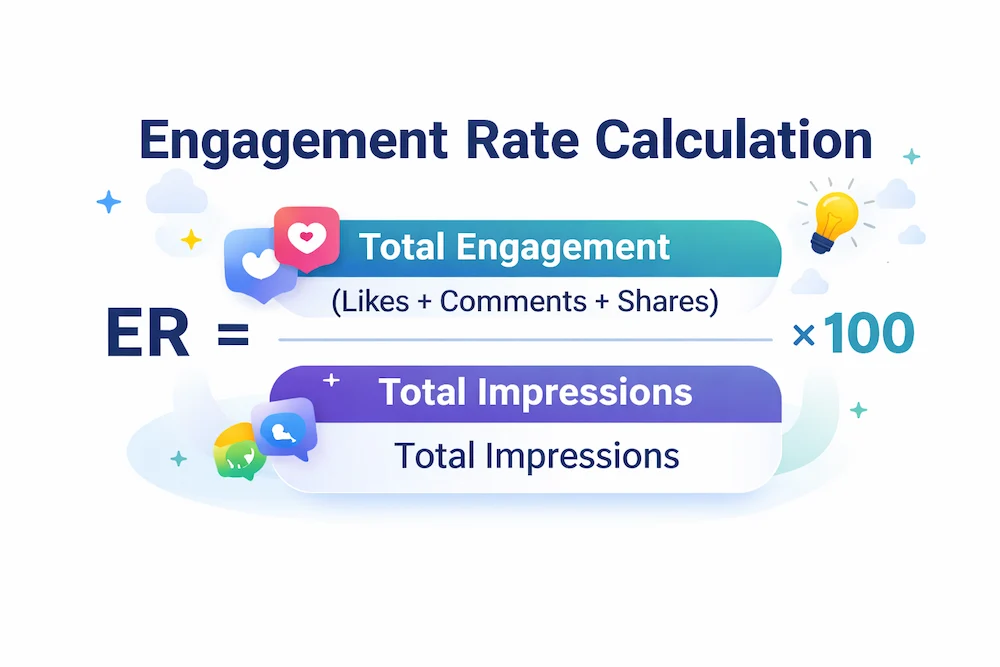
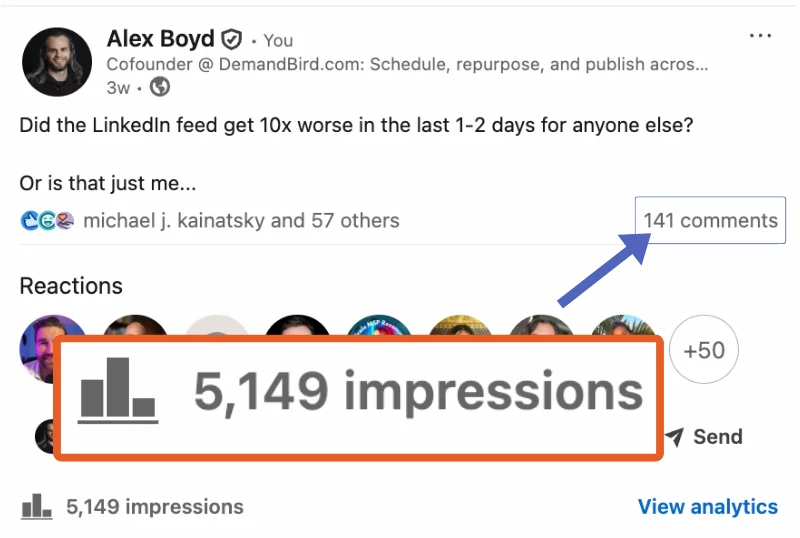
To find the numbers, open any post and click "View analytics." LinkedIn shows you the impression count, reactions, comments, and reposts for that post. You can also use DemandBird's free Engagement Calculator to run the math without doing it by hand.
What's a Good LinkedIn Engagement Rate?
An engagement rate of between 1% and 3% is normal and healthy. If a post gets 5% engagement or above, AND it has high reach (3000+ impressions), that post is an excellent candidate for repurposing.
8 Tips to Improve Your LinkedIn Engagement Rate
1. Write Content That's Easy to Read and Invites Interaction
The highest-performing posts on LinkedIn share two qualities: they are easy to skim, and they give people a reason to respond.
Make Your Content Easy to Consume
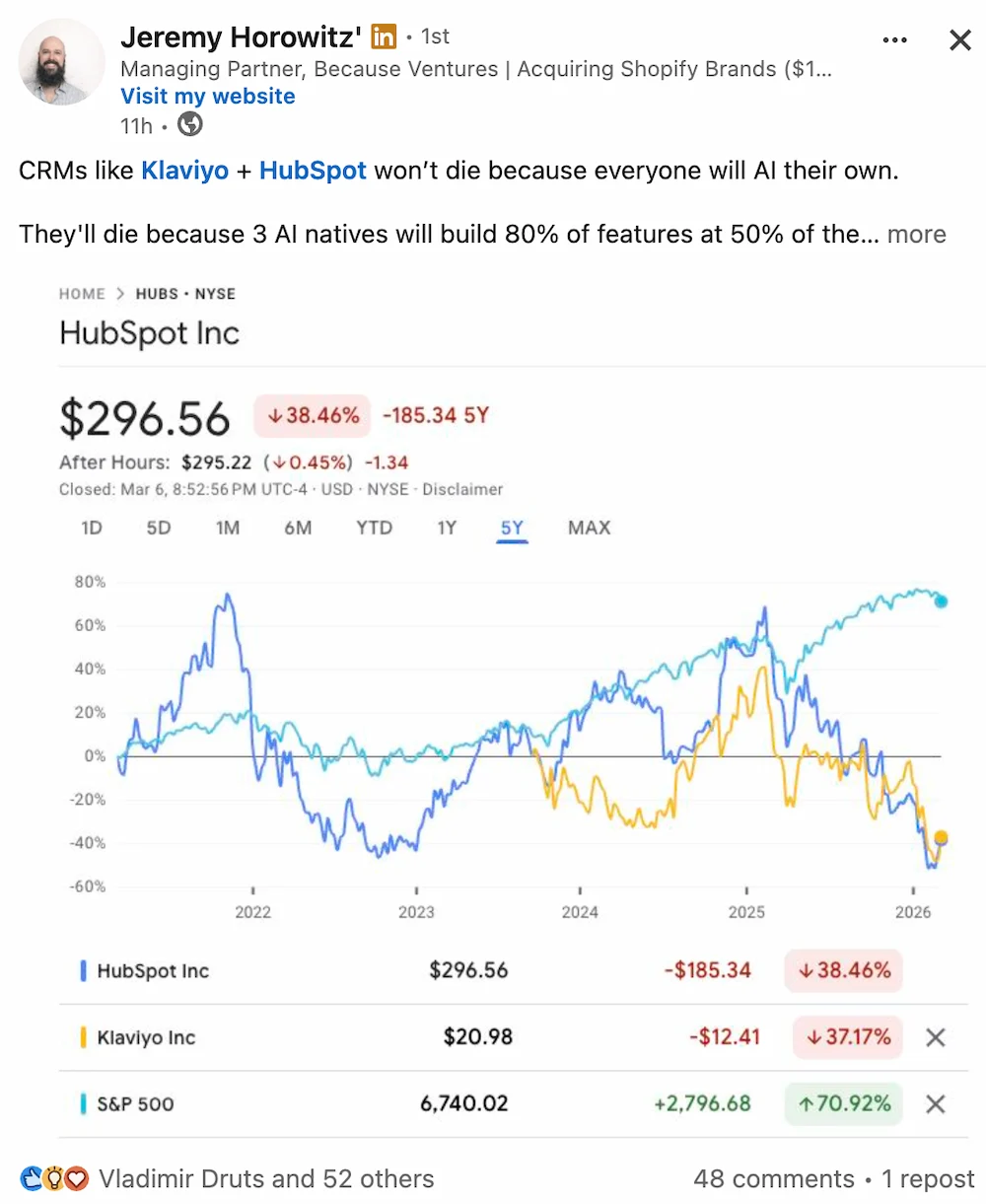
Posts that perform well are typically short, use generous white space, and reach the point fast. When the visual format signals "this is quick to read," more people start reading, and more people who start reading actually finish and engage.
If you want a quick gut-check on readability, paste your draft into a tool like Readable.com before posting.
Give People Something to Respond To
Engagement happens when a post says something the reader recognizes as true, funny, or worth responding to. A specific question or a counterintuitive take is usually enough to trigger it. The key is specificity: the more concrete the observation, the more people nod along and want to engage.
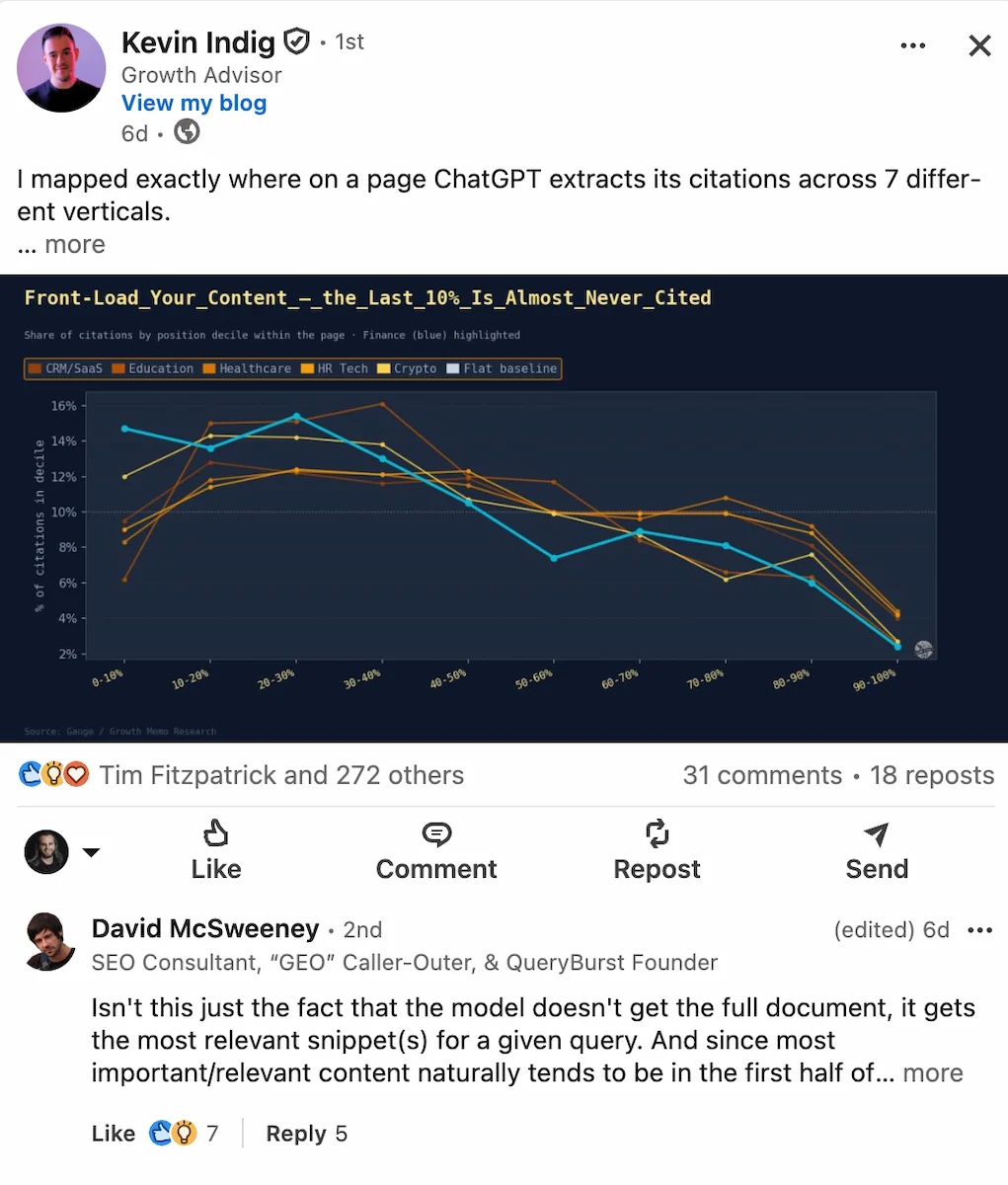
Choose prompts where many people in your network can weigh in. Questions with a clear side to take ("agree or disagree?") tend to generate more responses than open-ended questions with no obvious entry point.
2. Skip the Hashtags
Hashtags used to be recommended as a way to extend reach by surfacing your post to people who followed those tags. That is no longer how LinkedIn works. As we cover in our LinkedIn algorithm guide, hashtags are no longer a meaningful reach factor. LinkedIn's feed is driven by content relevance and engagement signals, not tag subscriptions.
Including a wall of hashtags at the bottom of your posts looks spammy and adds no distribution benefit. If you include them at all, cap it at one or two that are genuinely topically relevant. Otherwise, leave them out entirely and use that space for content that actually matters.
3. Build Real Relationships with New Connections
Copywriting alone is not a good way to increase your engagement rate. Good old fashioned relationship building is far better. Think about it: if more people know, like, and trust you, don't you think more of them will like your posts and be inclined to support you? Inversely: how could it possibly not be true that if you have more 'LinkedIn friends' than the average user, you won't have a higher engagement rate than average?
So do two things: one, meet more people (and help and support them) offline. Two: when you connect with people, both privately and publicly, leave a good impression.
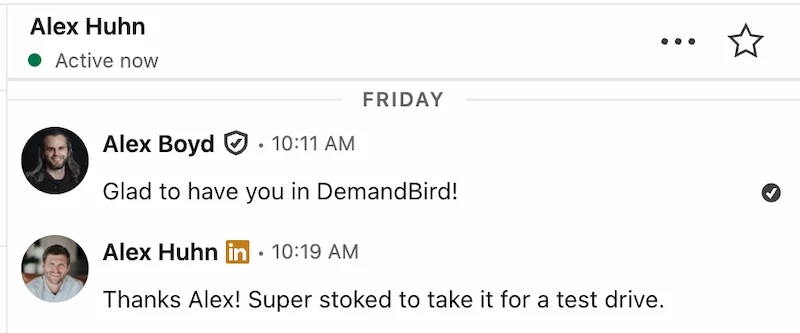
- When you request to connect, reference why you're reaching out: a shared industry, a post they wrote, or a mutual contact. Generic requests get ignored.
- If someone sends you a request, take the first step. A brief, direct message is more memorable than silence.
- Don't script it. One honest exchange beats ten templated follow-ups.
4. Include a Clear Call to Action
Posts that explicitly invite a specific response consistently outperform posts that leave it implicit. If you want comments, ask for them. If you want people to share a resource, say so directly.
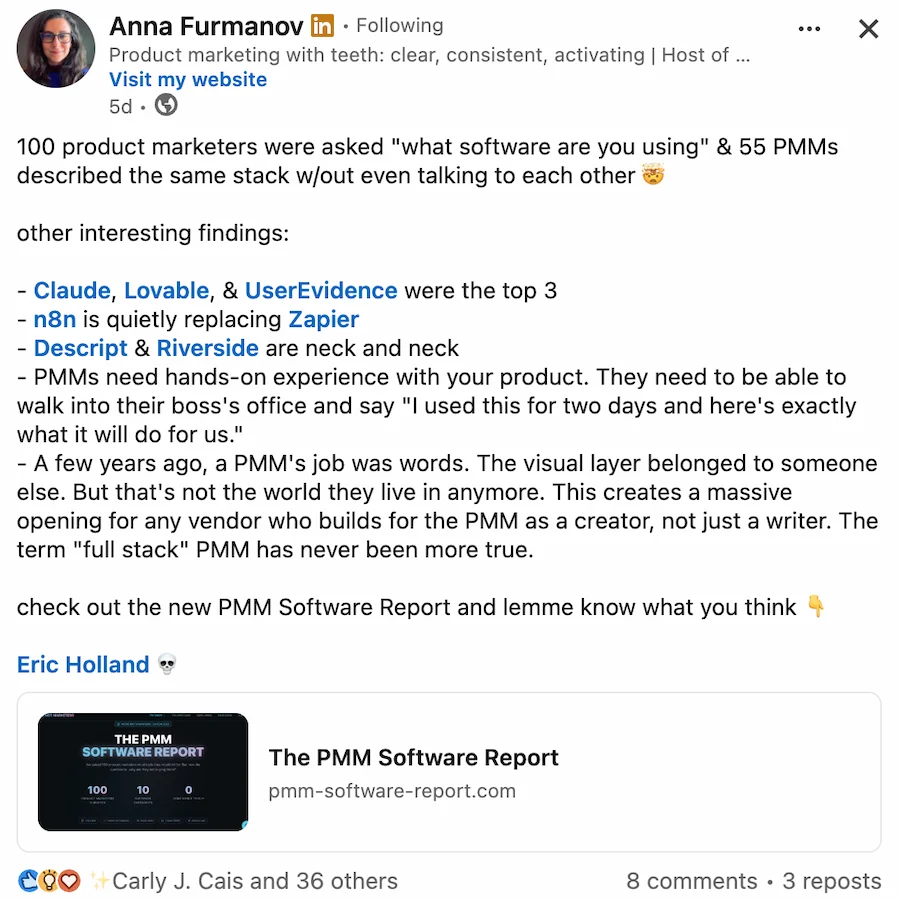
A format that works: open with a clear point of view, then explicitly invite disagreement or questions at the end. It lowers the barrier to respond because there's something concrete to react to.
5. Experiment with Post Formats
Different formats perform differently on LinkedIn, and the right mix depends on your audience. A few things worth knowing before you experiment:
- Text posts have some of the highest engagement rates on the platform. Strong hooks and specific observations carry them.
- Document carousels get roughly 30% more reach than text-only posts, according to current algorithm data. They reward good design and a clear information structure.
- Native video currently receives about 30% less raw reach than comparable text posts, a shift that happened in late 2024. Video can still generate strong watch time and follower growth, but don't expect the same impression counts as text or carousel posts.
- Polls drive comment volume but tend to attract lower-quality engagement. Use them occasionally, not as a primary strategy.
For a deeper breakdown of what works for each format, see our guide to LinkedIn post types. Track your own results over time: what works for one audience won't always translate to another.
6. Reply to Comments Quickly
Responding to comments early, especially within the first hour of posting, does two things. It signals to the LinkedIn algorithm that your post is generating real interaction, which can extend its distribution. And it shows the people commenting that you are paying attention, which makes them more likely to engage on future posts.
You don't need long replies. A thoughtful one-sentence response that continues the conversation is better than a generic "thanks for sharing." The goal is to turn a comment into a thread, which multiplies the engagement signal for the post.
7. Post at the Right Time
Timing affects engagement because LinkedIn distributes posts based on early engagement signals. If a critical mass of your audience is online when you post, more people react quickly, and the algorithm interprets that as a signal to push the post further.
As we cover in the LinkedIn algorithm guide, our data show a measurable spike in total and median post engagement starting around 7 AM Eastern Time, peaking at 8–9 AM ET, and declining through the afternoon. Tuesday through Thursday mornings are consistently the strongest windows for most professional audiences. Weekends tend to see the lowest engagement for B2B content.
That said, know your audience. If you primarily reach people in a different timezone or industry, check your own analytics to see when your followers are most active. Use a LinkedIn scheduling tool to hit those windows consistently without having to post manually every morning.
8. Track Your Engagement Rate Over Time
Manually calculating your engagement rate post by post is fine for occasional spot-checks, but it doesn't give you the pattern view you need to actually improve. You want to see how your engagement rate trends across posts and over time: which topics perform best, which formats consistently under- or over-index, and how your rate is changing as your audience grows.
For quick calculations on any post, use the free Engagement Calculator: paste in your impression count and engagement total and get the rate in seconds. To spot patterns over time, keep a simple running log of your top posts: their topic, format, posting time, and engagement rate. The patterns become obvious quickly.
Frequently Asked Questions
What is a good LinkedIn engagement rate?
Anything above 2% is a solid benchmark on LinkedIn. Above 5% is genuinely strong. The right number depends on your audience size, how active your followers are, and whether your content matches what they care about. A smaller, tightly targeted audience will often produce higher engagement rates than a large but diluted following.
How do I calculate my LinkedIn engagement rate?
Divide the total number of engagements (likes, comments, and shares) by the number of impressions, then multiply by 100. For example, if a post gets 80 engagements from 2,000 impressions, that is a 4% engagement rate. You can use DemandBird's free Engagement Calculator to run the math automatically.
Does replying to comments on your own post help LinkedIn engagement?
Yes. Replying to comments extends the conversation and signals to the LinkedIn algorithm that your post is generating real interaction. Early replies, especially within the first 60 minutes of posting, can trigger additional distribution. They also encourage others to comment when they see the author is responsive.
What type of LinkedIn content gets the most engagement?
Text posts and document carousels tend to generate the highest engagement rates. Text posts reward strong hooks and opinion-driven content. Carousels get roughly 30% more reach than text-only posts. Native video currently receives about 30% less reach than comparable text posts, though it can generate strong watch time. Polls drive comment volume but tend to attract lower-quality engagement.
How often should I post on LinkedIn to maintain engagement?
Posting at least once a week is the minimum to maintain visibility. Data shows that weekly posters gain roughly 9% more engagement year-over-year, while infrequent posters lose around 25%. Most people who see consistent growth post three to five times per week. Consistency matters more than volume.
Consistent Posting Is the Fastest Way to Improve Engagement
DemandBird helps you plan, schedule, and publish LinkedIn content so you never miss a posting window.
Start Free Trial