
Picking a social media scheduling tool sounds simple until you are staring at a pricing page trying to figure out why you need an enterprise suite just to post on LinkedIn three times a week. The market ranges from solo-creator tools to full management platforms with five-figure annual contracts. Most teams end up somewhere in between: overpaying for features they do not use or underbuying and duct-taping their workflow together. This guide cuts through it.
- Best overall: DemandBird. Built for B2B teams doing identity-driven LinkedIn marketing, cross-platform, and priced to not hurt.
- Best for enterprise teams: Sprout Social or Hootsuite, if budget is not the constraint and you need deep analytics and team workflows.
- Best for content approval workflows: Planable, built specifically for agencies and multi-stakeholder review.
- Best for visual brands: Later, still the strongest tool for Instagram-first content teams.
- Best for content recycling: RecurPost or SocialBee, both built around evergreen content libraries.
Why Your Scheduling Tool Matters More Than You Think
Most people treat their scheduling tool as a commodity: a place to queue posts and move on. The tool you choose actually shapes what content you publish, how consistently you show up, and whether LinkedIn in particular rewards or ignores you. A tool that makes scheduling feel like a chore produces inconsistent publishing. A tool that stores your content history, surfaces what performed, and removes friction produces the opposite.
For B2B teams specifically, there is a second-order effect that rarely gets discussed: most social media tools were built for consumer brands and agencies managing Instagram grids. LinkedIn is an afterthought in most of them. The timing windows, post formats, and engagement patterns that matter on LinkedIn are fundamentally different from those on Instagram or TikTok. The right tool understands that distinction. Most do not.
How We Evaluated These Tools
We assessed each tool across five criteria: platform breadth, LinkedIn-specific depth (not just support, but actual feature depth), team and workflow capabilities, value at common plan tiers, and track record of using official APIs. We focused on tools that are genuinely used by people running real social programs, not tools that rank well in affiliate roundups.
Which type of team are you?
The right shortlist depends on your situation. Skip the tools built for someone else.
Typefully if you live on X and LinkedIn only. DemandBird Pro once you need more platforms or are scaling into client work: it covers 10+ platforms, handles multi-tenant workspaces, and lets AI learn each client’s voice independently.
DemandBird for content production at a sane price. Planable if client approval workflows are the daily bottleneck. Sprout Social only if enterprise analytics and a full social inbox are non-negotiable: the per-seat cost is steep for anything smaller.
DemandBird or Planable. Both use workspace pricing, which is the right model for agencies. Per-seat (Hootsuite, Sprout) and per-channel (Buffer) pricing will quietly eat your margin every time you hire or onboard a client.
The 10 Best Social Media Scheduling Tools
DemandBird
Best Overall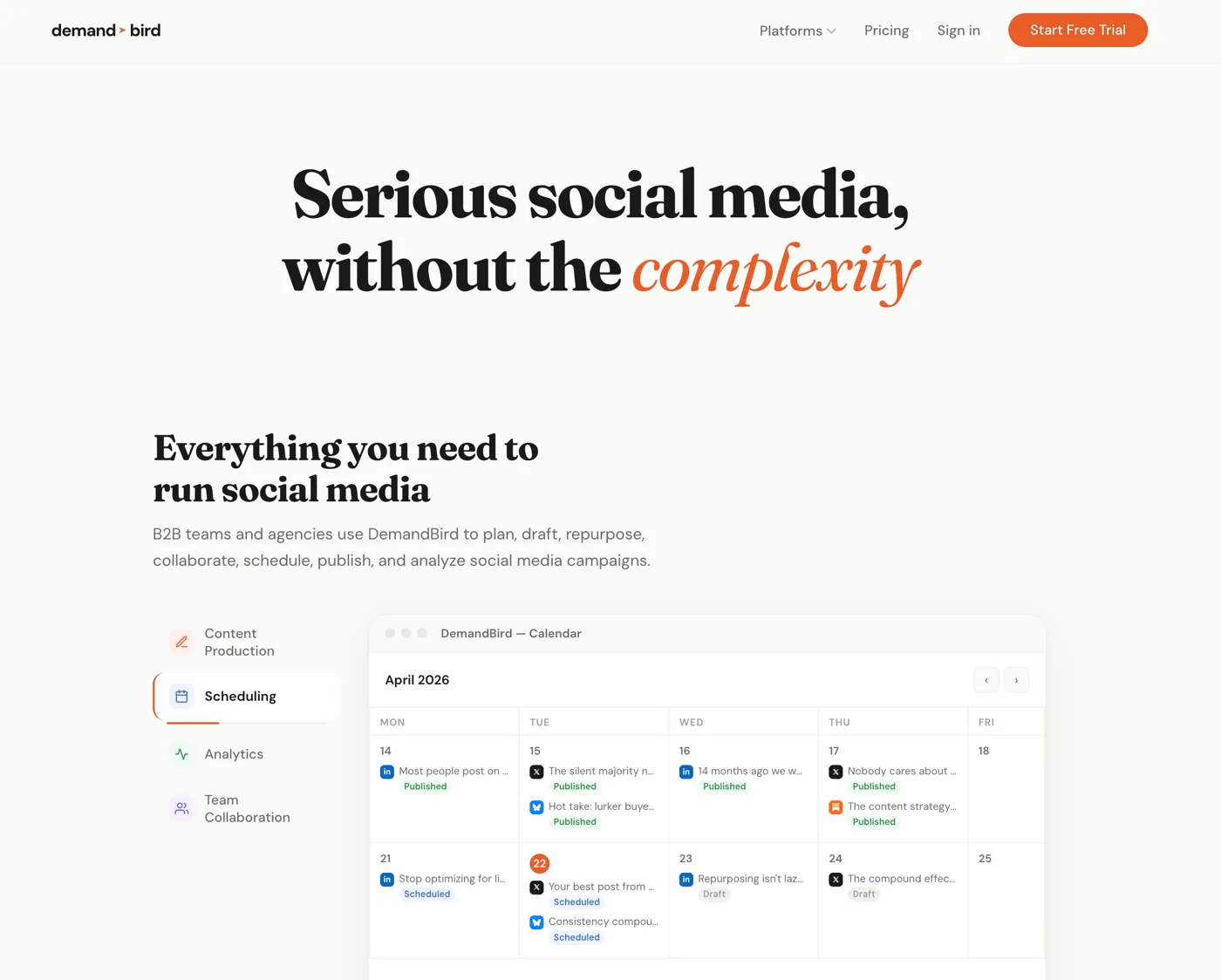
DemandBird was built for one specific thing: helping B2B teams build a LinkedIn presence that actually generates demand. Founders, consultants, and small marketing teams who need to publish consistently across platforms without the overhead of an enterprise tool will find it fits better than anything else in this list.
The product is deliberately focused: Scheduling, a content calendar, cross-platform publishing, and analytics oriented around what drives profile views and inbound interest. One of DemandBird's more distinctive features is its content history. It stores everything you have posted, which means you can build a real archive of your voice and performance over time. Several customers have used this archive to feed their own output into Claude or a similar AI tool to generate on-brand content at scale rather than generic filler. That kind of compound value is something no other tool in this list offers at this price point.
On pricing: DemandBird runs 20–40% cheaper than comparable Buffer or Hootsuite plans at the same number of connected accounts, and team plans include unlimited social account connections rather than per-channel fees that stack up quickly. The team behind it has over a decade of experience growing B2B brands through LinkedIn, and the product reflects that operational depth.
Honest gaps: Pinterest and Google Business integrations are not yet available (planned). Social listening features are in development. If you need robust listening today, Hootsuite or Sprout Social have more depth there. DemandBird is newer to market than Buffer or Hootsuite, which means a smaller community and fewer third-party integrations for now.
Buffer
Best for Consumer/CPG Brands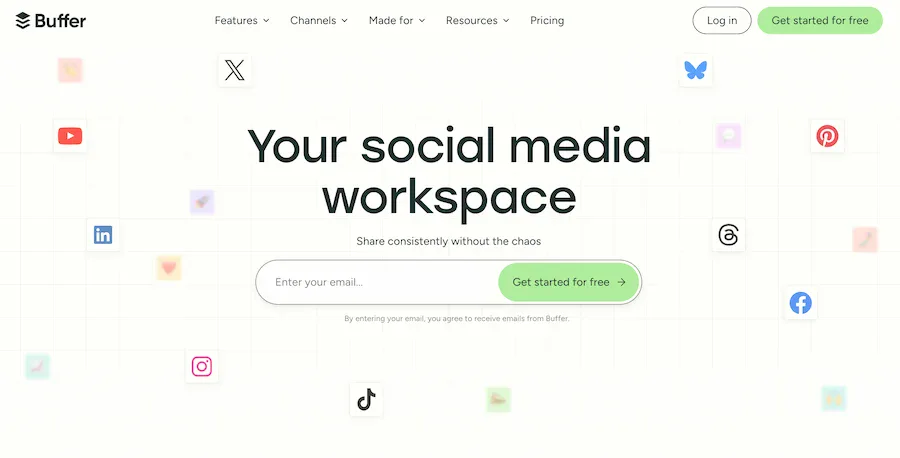
Buffer is the reliable, familiar option. It has been around long enough to earn broad adoption, and its platform coverage is genuinely good: Pinterest and Google Business profile support are included, which newer tools often lack. For consumer and CPG brands managing a mix of Instagram, Facebook, and Pinterest alongside LinkedIn, Buffer handles the cross-platform surface area well.
"Buffer is great for social media managers in CPG. It's not built for identity-driven B2B marketing. That's where DemandBird does better."DemandBird customer
That quote captures the distinction accurately. Buffer treats LinkedIn as one channel among many. It will schedule your posts, give you basic analytics, and stay out of your way. What it will not do is give you LinkedIn-specific depth: optimized timing based on LinkedIn's engagement patterns, B2B-oriented performance tracking, or content history features that map to how LinkedIn's algorithm rewards consistent creators.
Pricing adds up faster than it looks on the surface. The per-channel billing model means a team running eight or ten connected accounts is paying meaningfully more than on DemandBird or Publer. The UX is functional but dated. Buffer works; it just does not inspire, and the pricing-to-value ratio weakens as you scale.
Hootsuite
Best for Large Enterprise Teams (With Caveats)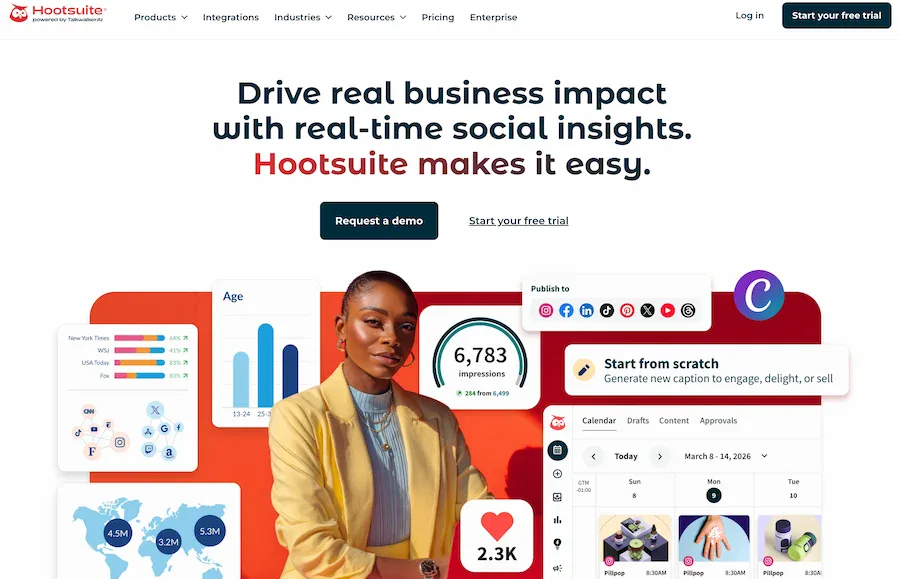
Hootsuite is the legacy enterprise social media management platform. For a large organization running a dedicated social operation across multiple brands, Hootsuite has capabilities that smaller tools do not match: social listening with keyword tracking, team approval workflows, paid social management, and deep reporting dashboards. If your organization genuinely needs all of that in one place, it can justify the price.
For most teams, it is too much tool at too high a cost. The interface has been patched and extended over a decade rather than redesigned, which shows in the navigation. You will pay for features you will not use, and you will spend time learning your way around a product that a more focused tool would not require.
There is also a reputational issue worth naming directly: reporting in 2024 and 2025 revealed that Hootsuite held a multi-million dollar contract with U.S. Immigration and Customs Enforcement (ICE). The disclosure prompted a public and well-documented exodus of customers, particularly agencies and values-led businesses. This is available through a straightforward news search and is a legitimate factor for organizations evaluating Hootsuite on values alignment grounds.
Sprout Social
Best for Data-Driven Social Teams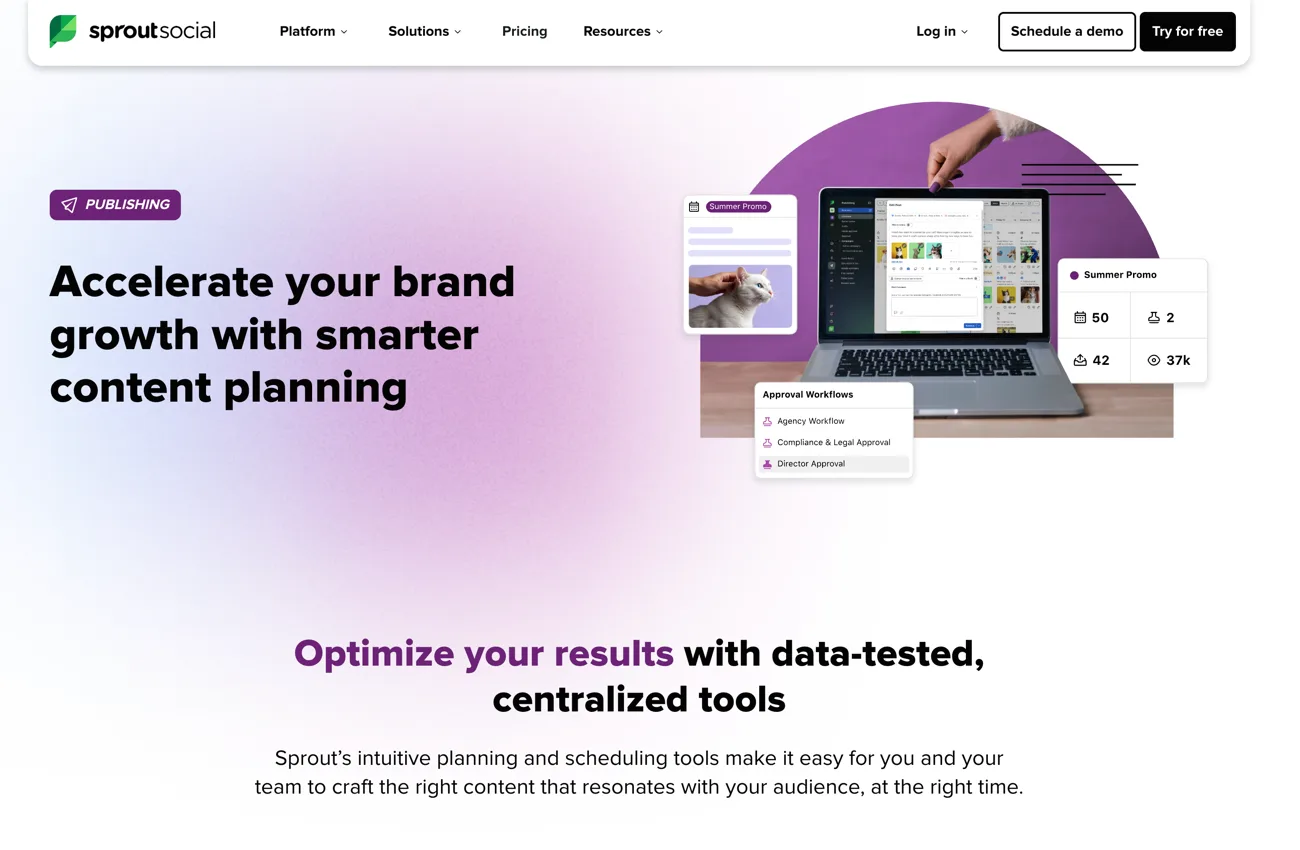
Sprout Social is the most analytics-mature tool in this list. Its reporting suite is genuinely excellent: cross-platform performance data, audience insights, competitor benchmarking, and custom report exports that hold up in front of a leadership team. If social media ROI reporting is a significant part of your job, Sprout gives you more ammunition than any other tool here.
The trade-off is price. Sprout is one of the most expensive tools in this category, with per-seat pricing that scales steeply for teams of five or more. It is built for mid-to-large marketing teams with dedicated social headcount, not for founders or small B2B teams publishing from one or two accounts. For those audiences, the analytics are more than needed and the price is more than it should cost.
Sprout also includes a solid social inbox and listening features, which puts it closer to full social media management than pure scheduling. If your team needs both publishing workflow and customer response management in a single tool, it is one of the stronger options at that scale.
Planable
Best for Content Approval Workflows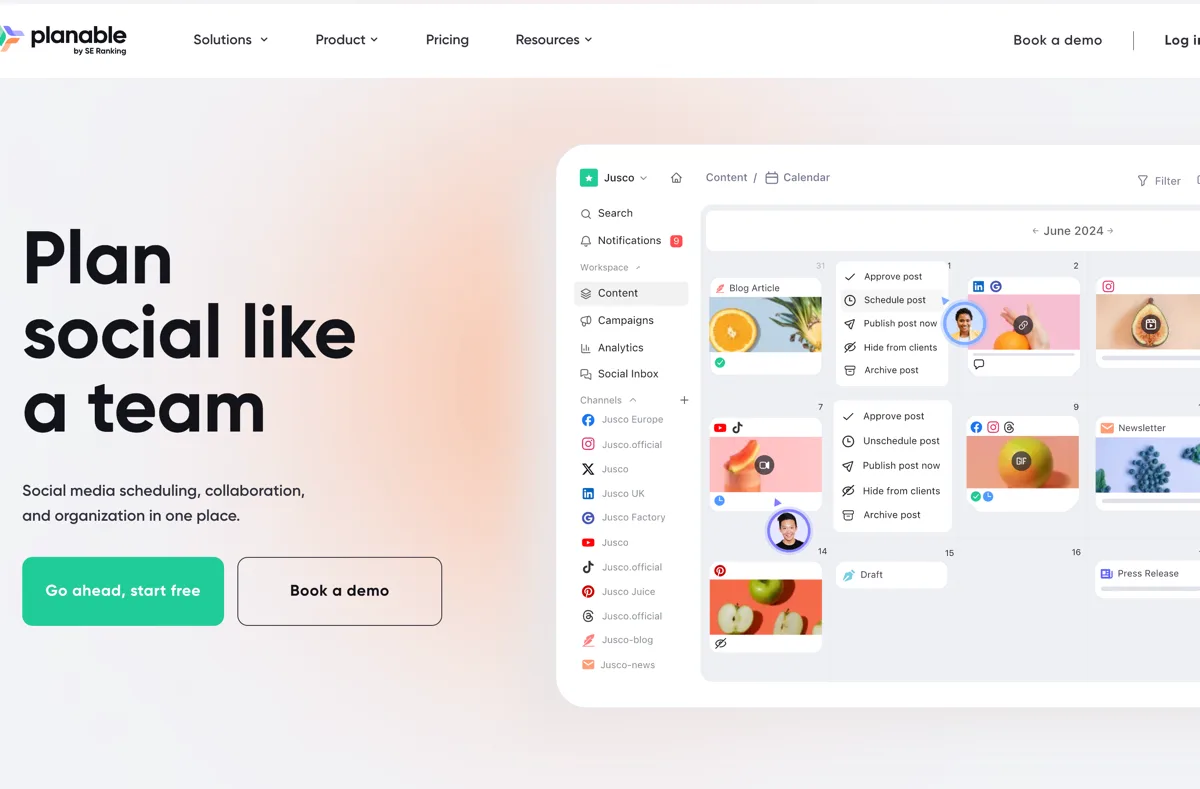
Planable was built to solve a specific problem: content approval between teams and clients. If your workflow involves multiple reviewers, client sign-off before publishing, or internal brand governance layers, Planable's approval system is the most purpose-built solution in this category. The interface shows what posts will look like across platforms, threads comments inline on each post, and tracks approval status in a way that makes the feedback loop significantly cleaner than email chains.
It is particularly strong for agencies managing social for multiple clients. The workspace organization, client-facing approval views, and ability to give clients visibility into content without giving them full tool access are well-designed. For a single brand with no external review process, these features are overhead rather than value. But if your workflow involves waiting on approvals from people who are not in the tool day-to-day, Planable earns its price quickly.
Publer
Best for Solopreneurs and Small Teams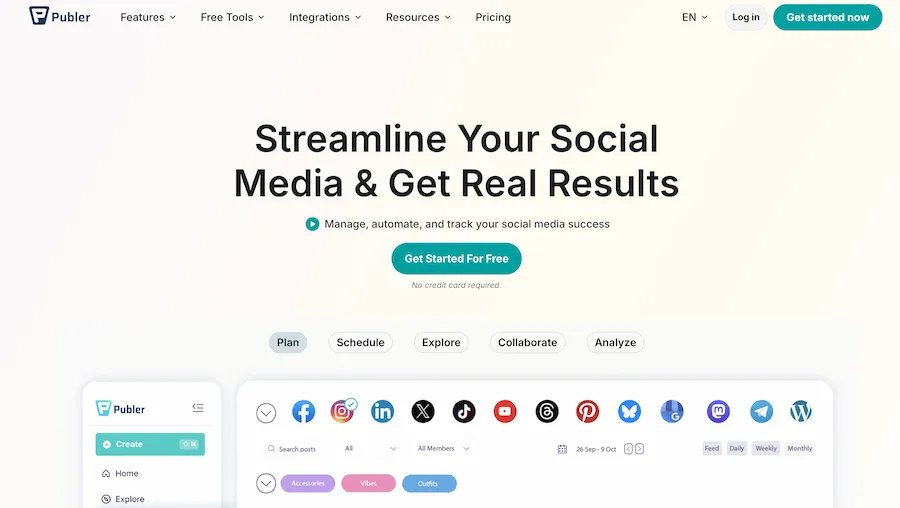
Publer punches above its price point. At its starter tiers, it covers more platforms than Buffer (including TikTok, Pinterest, and Google Business) at a lower per-account cost. The interface is cleaner and more modern than Buffer's, and it includes basic AI writing assistance and a media library in plans where comparable tools charge more.
It is not opinionated about any particular platform, which is both its strength and its limitation. For a solopreneur or small team posting across a wide mix of channels without a heavy LinkedIn focus, that breadth at low cost is exactly what they need. For a B2B team where LinkedIn is the primary revenue channel, the lack of depth there is a meaningful gap. Publer is the right call for the generalist; DemandBird is the right call for the LinkedIn-focused team.
RecurPost
Best for Content Recycling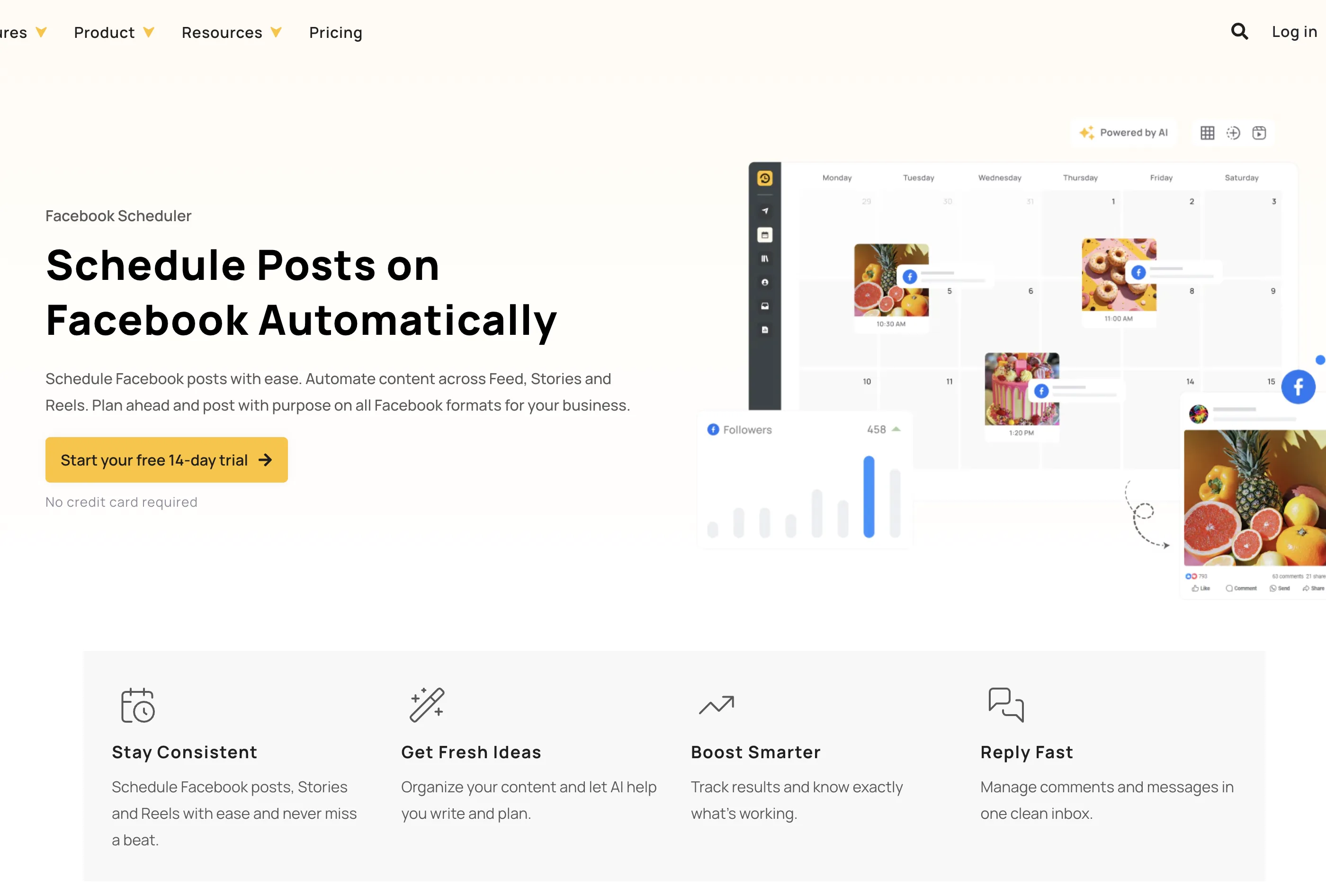
RecurPost's core value proposition is content recycling: you build libraries of evergreen posts by category, and the tool cycles through them on a schedule you define. For teams with a large backlog of content that stays relevant over time, it removes the manual work of re-queueing. The setup takes more initial effort than a standard scheduler, but once running, it reduces the day-to-day publishing burden significantly.
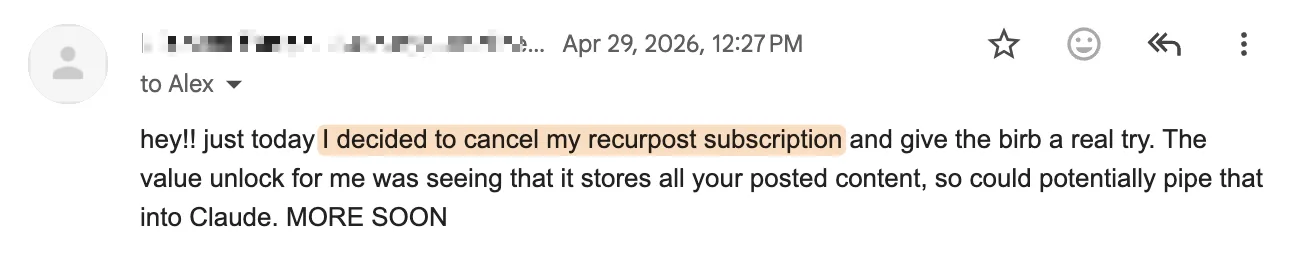
The gap RecurPost users encounter is what happens when they want more than recycling. LinkedIn-native features, content history that feeds into AI workflows, and a publishing experience built around identity-driven marketing are not RecurPost's strengths. As tools like DemandBird have developed the ability to store and surface your full posting history (making it usable as input for AI content tools), users who want that kind of compound value are increasingly making the switch. The email above reflects a pattern we have seen more than once.
Later
Best for Visual-First Brands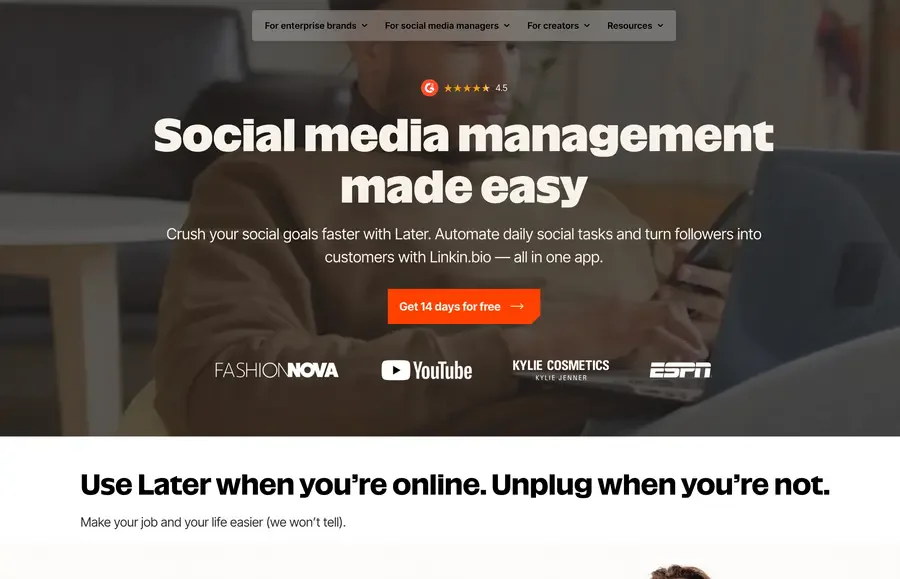
Later built its reputation on Instagram scheduling, and the core product still reflects that origin clearly. The visual content calendar, drag-and-drop media library, and Instagram grid preview are genuinely well-built. Link-in-bio functionality is included and better-integrated than most standalone options. For a brand where Instagram and TikTok are the primary channels, Later's UX fits the workflow in a way that more generic tools do not.
LinkedIn is supported but not prioritized. If you are a B2B company where LinkedIn drives pipeline and Instagram is secondary, Later is the wrong tool to anchor your scheduling workflow around. It will handle the Instagram side cleanly while leaving the LinkedIn side underserved. Use it when visual-first content is genuinely your core; choose something else when LinkedIn is.
SocialBee
Best for Evergreen Content Strategy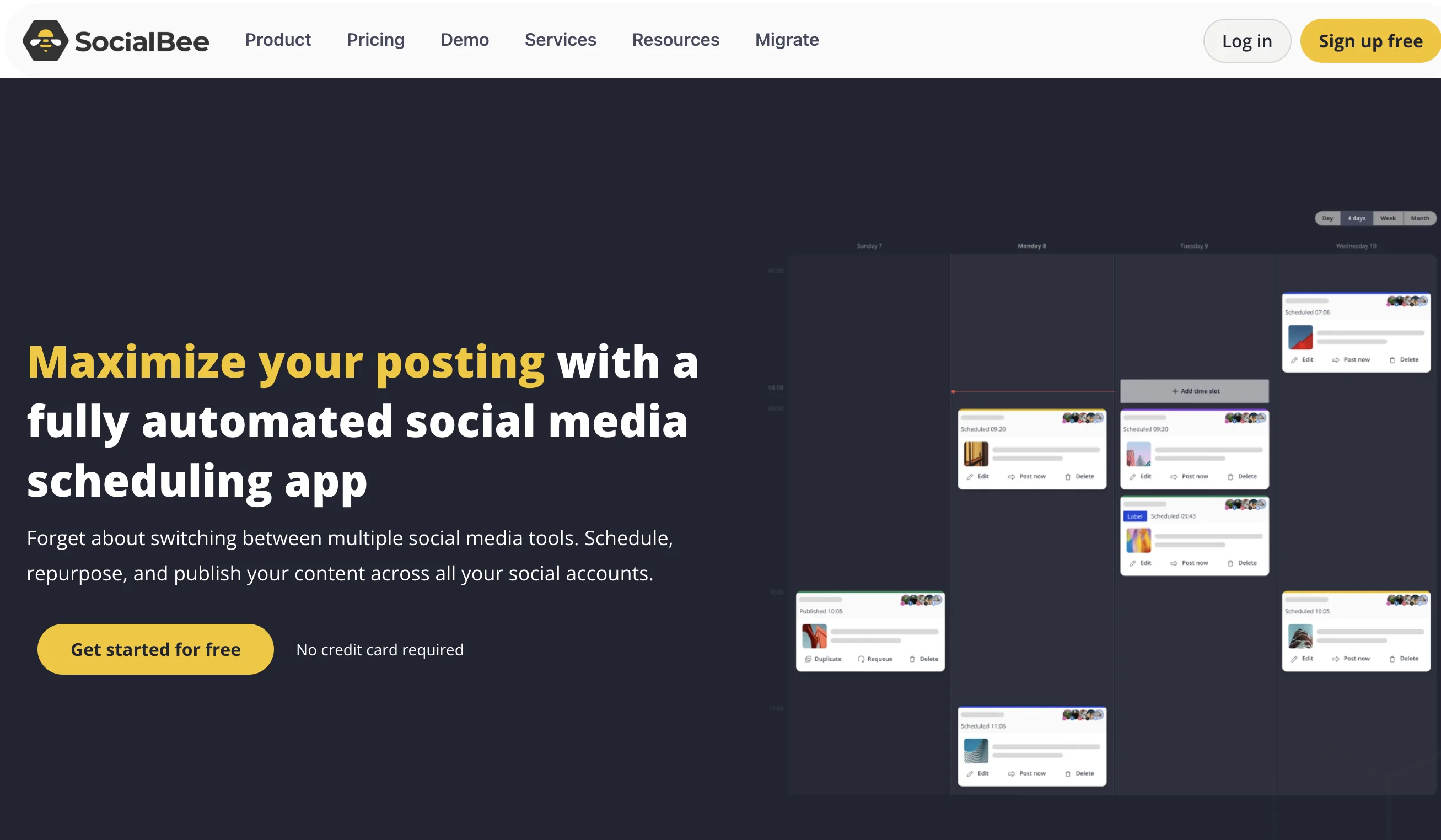
SocialBee organizes content into categories (Promotional, Educational, Engagement, and so on) and schedules from each in rotation. For teams that have invested in building a content strategy with distinct pillars, this structure makes the editorial calendar largely self-managing: add posts to each category and the tool handles the cadence. It removes the blank-calendar problem that plagues less structured approaches.
It also includes AI content generation, a Canva integration, and one of the broader platform coverage lists in this price range. At $29 per month, it is a strong option for a small team that has a real content strategy and wants a tool that reinforces structure rather than just queueing posts. The category-based setup takes some upfront time, but teams that do the work tend to find it one of the more sustainable scheduling systems available.
Metricool
Best for Analytics-First Teams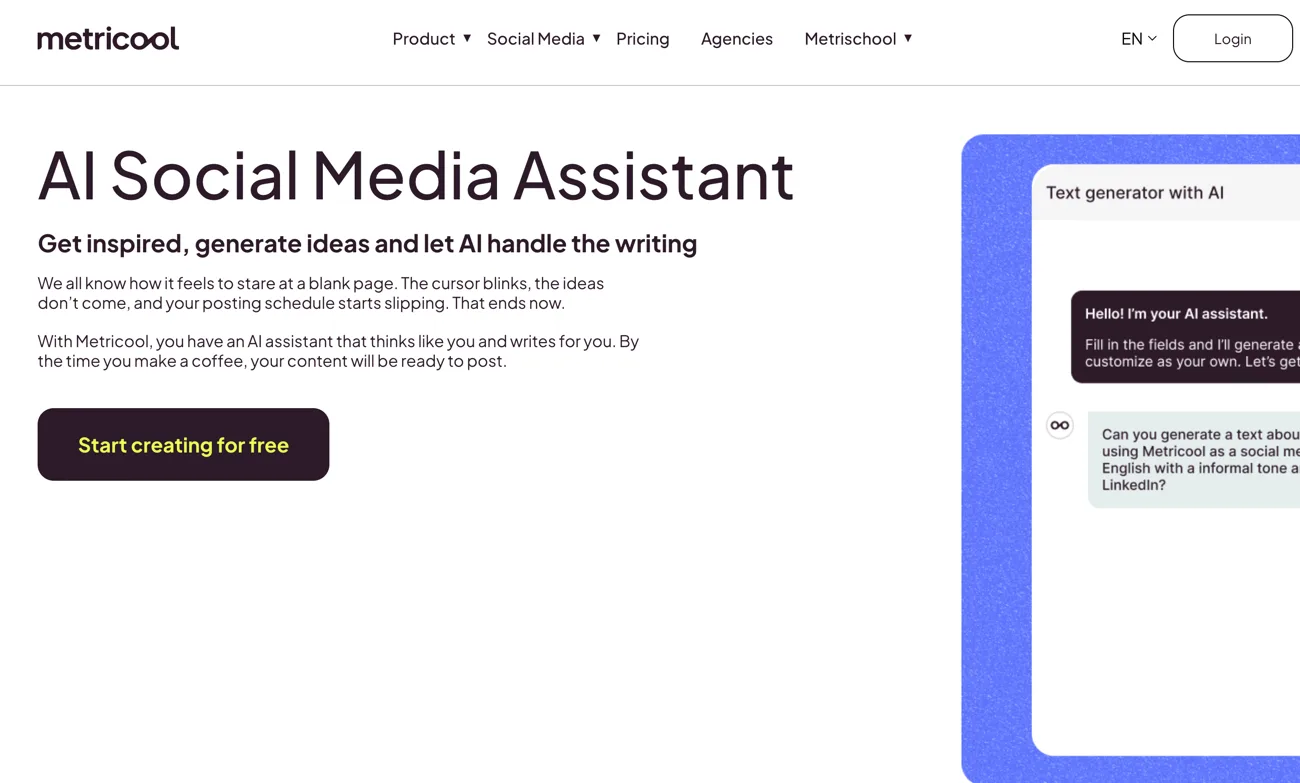
Metricool's strongest differentiator is analytics at a price point well below Sprout Social. Its reporting covers organic social, paid campaigns (Google Ads and Meta Ads), website traffic via Google Analytics integration, and competitor benchmarking, all in a single dashboard. For a small agency or marketing team that needs to report across organic and paid in one place, Metricool offers a level of consolidation that would otherwise require piecing together multiple tools.
Scheduling is solid but not exceptional. The best-time-to-post recommendations are well-regarded, and the planning interface is clean. Where Metricool earns its spot on this list is for teams whose job involves explaining performance numbers to stakeholders. It is not the tool for a LinkedIn-first B2B founder or a team focused purely on publishing efficiency. It is the tool for teams that need to look across channels and justify spend with data.
Side-by-Side Comparison
| Tool | Best for | LinkedIn depth | Team features | Starting price | Free tier |
|---|---|---|---|---|---|
| DemandBird | B2B / LinkedIn-first teams | High | Yes (unlimited accounts on team plans) | Most affordable | Trial |
| Buffer | Consumer/CPG brands | Medium | Yes (per-channel billing) | Free; ~$6/channel paid | Yes (3 channels) |
| Hootsuite | Large enterprise | Medium | Yes (advanced workflows) | ~$99/month | No |
| Sprout Social | Data-driven teams | Medium | Yes (enterprise-grade) | $249/seat/month | No (30-day trial) |
| Planable | Agencies, approval workflows | Standard | Yes (built for review) | $33/month | Yes (50 posts lifetime) |
| Publer | Solopreneurs, small teams | Standard | Basic | ~$12/month | Yes (3 accounts) |
| RecurPost | Content recycling | Standard | Basic | ~$15/month | Trial |
| Later | Visual/Instagram-first brands | Low | Yes | $16.67/month | Yes (limited) |
| SocialBee | Evergreen content strategy | Standard | Yes | $29/month | 14-day trial |
| Metricool | Analytics-first teams | Standard | Basic | $22/month | Yes (1 brand) |
How to Choose: Three Scenarios
Before the scenarios: the single highest-signal test in any tool evaluation is the AI bake-off. Paste your last 20 posts into each tool and ask it to draft three new ones in that voice. Have someone on your team rate the outputs blind, without knowing which tool produced which. If you would publish the output after one rewrite, you have a real AI. If not, you have marketing copy. Almost no buyer runs this test.
Here is what we would actually recommend in the three situations that come up most often. We are biased toward DemandBird; we have also tried to be honest about the cases where another tool wins.
“We’re a 5-person B2B social team on Hootsuite Standard, paying $495/mo, and the AI feels useless.”
DemandBird wins this comfortably on price and AI quality. The same team on DemandBird Business pays $36.75 per month (billed annually): $5,499 in annual savings, voice-aware AI that learns from your actual posts, and an MCP server so your team can schedule from Claude. The honest exception: if you actually use Hootsuite Insights (Talkwalker) or Amplify, Hootsuite is doing real work that DemandBird does not replace. If your daily problem is content production, switch. If your daily problem is enterprise social listening, stay. The migration takes about a week, and if you are mid-contract and the math works, we will buy you out.
“We’re an agency running 10 client accounts on Buffer Team.”
Buffer’s per-channel math collapses at this scale: 10 clients with 5 channels each is 50 channels at Team rates, which is not a price any agency should be paying. DemandBird or Planable. If your daily problem is client review and feed-preview approvals, Planable. If your daily problem is content production and AI quality matters, DemandBird. Both are workspace-priced, which is the right model for agency businesses. Run a 4-week parallel trial and the choice will become obvious.
“We’re a solo writer scaling into 3 clients.”
If you and your clients live on X and LinkedIn, stay on Typefully. The writing experience is best-in-class for that shape of work, and a $39/month Team plan is fair. The moment your clients ask for Instagram, TikTok, YouTube, or Substack (and they will), Typefully’s 4-platform ceiling becomes a hard cap. DemandBird Business covers 10+ platforms with multi-tenant workspaces and AI that learns each client’s voice independently, for $36.75 per month (billed annually). We put together a full breakdown of when to make that switch.
For most B2B marketing teams reading this: DemandBird is the answer. It is built for the way LinkedIn actually works, priced for teams that are not spending six figures on software, and designed by people who understand what drives real B2B pipeline from social. Start a free trial here.
Buyer’s checklist
Before you sign a contract on any tool in this category, run through this list. Each item kills at least one common regret.
- Have you priced it for your full team size, including the growth you expect over the next 12 months?
- Have you verified per-platform feature parity for the platforms you actually publish on (not just “yes, we support LinkedIn”)?
- Have you tested the AI on your real content, not the demo data the sales rep loaded?
- Have you tested the approval workflow with a real client review, including an edit-after-approval?
- Have you confirmed migration paths if it doesn’t work out: can you export your content, your schedule, and your analytics?
- Have you read 3 G2 reviews from teams of your size, ignoring reviews from teams 10x bigger or 10x smaller?
- Have you checked the public roadmap or changelog for the past 90 days? Is the tool actually shipping?
- Have you talked to a current customer who has been on it for 6+ months, not just the reference the vendor offered?
- Have you priced the add-ons (analytics, inbox, extra users, extra profiles) at your real usage, not the entry tier?
- Have you confirmed that the platforms you publish on are shipped, not “coming soon” on a roadmap page?
- Have you tested MCP or API integration if AI-native workflow matters to your team?
- Have you read the cancellation terms, including any auto-renewal language?
Questions to bring to every demo
Most vendors answer what you ask and nothing more. These questions surface what pricing pages hide. If a vendor cannot answer four or more of these crisply on the call, they have not done the work you are about to pay them to do.
On pricing
- What is behind the Enterprise gate, specifically? Insights, the API, SSO, audit logs?
- What does year-2 pricing look like? Are seat prices indexed, and can I cap the increase contractually?
- Which add-ons will I need at my team size that are not on the pricing page?
On the AI
- Does the AI use my past posts as context, or does it generate from a generic model?
- Are there per-tier usage caps on AI generation, and what happens when I hit them?
On team workflows
- Does an edit after approval re-route the post for review, or does it publish silently?
- Can I separate workspaces by client with no permission overlap?
On exit
- Can I export scheduled content, published history, analytics, and replies in a readable format?
- What is the auto-renewal language, and how many days’ notice do I need to cancel?
Frequently Asked Questions
What is the best free social media scheduling tool?
Buffer and Later both offer free plans with meaningful limitations: Buffer covers three channels with 10 scheduled posts each; Later covers one social set. Publer's free tier allows three accounts. For a genuinely free long-term option, native scheduling features built into LinkedIn, Instagram, and Facebook cover basic needs without a third-party tool. DemandBird offers a free trial for teams that want to evaluate the full product before committing.
Is DemandBird only for LinkedIn?
No. DemandBird supports LinkedIn, Twitter/X, Substack, and additional platforms. It was designed with LinkedIn-first B2B teams in mind, but it is a full cross-platform scheduling tool. It is the right choice when LinkedIn is your primary channel and you want a tool that treats it with the depth it deserves, while still covering the other platforms you publish to.
What is the difference between a social media scheduler and a full management platform?
A scheduler focuses on planning, drafting, and publishing content. A full social media management platform adds layers on top: social listening, inbox management for comments and direct messages, team approval workflows, paid social integration, and reporting dashboards. Hootsuite and Sprout Social are management platforms. DemandBird, Buffer, Publer, and Later are focused scheduling tools, some with team features included. The right choice depends on whether your team needs the management layer or just reliable publishing.
How many social accounts can I manage with these tools?
It varies significantly. Buffer's free tier covers 3 channels; paid plans charge per channel, which stacks up fast. Hootsuite standard plans cap at 10 accounts before requiring a higher-tier plan. DemandBird's team plans include unlimited social account connections. Publer and SocialBee offer competitive account limits at their paid tiers. If you are managing more than five accounts, check the per-channel pricing on any tool before committing.
Which tool is best for a solo creator vs. a marketing team?
Solo creators posting across a mix of platforms should look at DemandBird (strongest if LinkedIn is central), Publer (best broad coverage at low cost), or Later (if Instagram is the primary channel). Marketing teams managing approvals, multiple contributors, and brand governance have more specific needs: Planable is purpose-built for those workflows, and Sprout Social handles enterprise-scale team complexity. DemandBird is a strong fit for small B2B teams where a founder and a few contributors are the primary publishers.
Do any of these tools support AI-assisted content creation?
Several do. Sprout Social, SocialBee, and Publer each include AI writing assistance in their paid plans. DemandBird stores your full posting history, which makes it possible to feed your own content archive into Claude or a similar model to generate on-brand content at scale rather than generic output. RecurPost and Metricool include lighter AI features as well. The quality and usefulness of AI content tools varies across these platforms, and most work better as starting-point generators than as finished-copy producers.
Built for B2B teams that take LinkedIn seriously
DemandBird gives you cross-platform scheduling, content history, and analytics designed around how LinkedIn actually drives pipeline. Simpler than Hootsuite. More LinkedIn-native than Buffer. Try it free.
Start Free Trial