
The question isn't whether to schedule LinkedIn posts. It's which tool is worth trusting with it. The market has fragmented in a few different directions: broad social media management suites, LinkedIn-only specialists, and a newer crop of cross-platform tools that sit somewhere in between. Here is an honest look at the best options in each category.
- Best overall: DemandBird: simple, affordable, cross-platform, uses LinkedIn's official API.
- Best LinkedIn-only: Taplio or AuthoredUp: deep LinkedIn features, but both use unofficial APIs (TOS risk).
- Enterprise option: Hootsuite: comprehensive but expensive, bloated, and carrying significant reputational baggage from its ICE contract.
- Established alternative: Buffer: reliable but dated UX and pricing that adds up fast on team plans.
Why LinkedIn Scheduling Actually Moves the Needle
Before comparing tools, it's worth grounding the decision in what the data actually shows about LinkedIn performance. We analyzed thousands of LinkedIn posts and found that consistency and timing are two of the biggest levers available to any creator or brand, both of which a scheduling tool directly addresses.
Peak engagement windows (7–10 AM on Tuesdays and noon to early evening on Thursdays) matter too. Scheduling to these windows consistently is something most people cannot do manually without eventually slipping. A tool removes the friction. See our full LinkedIn algorithm analysis for more context on the data behind these numbers.
How We Evaluated These Tools
We assessed each tool across four criteria: LinkedIn-specific feature depth, cross-platform support, pricing relative to what you actually get, and whether the tool uses LinkedIn's official API. That last criterion matters more than most roundups acknowledge. Tools that bypass LinkedIn's sanctioned developer platform carry real account risk, which we explain in detail below.
The 7 Best LinkedIn Scheduling Tools
DemandBird
Best Overall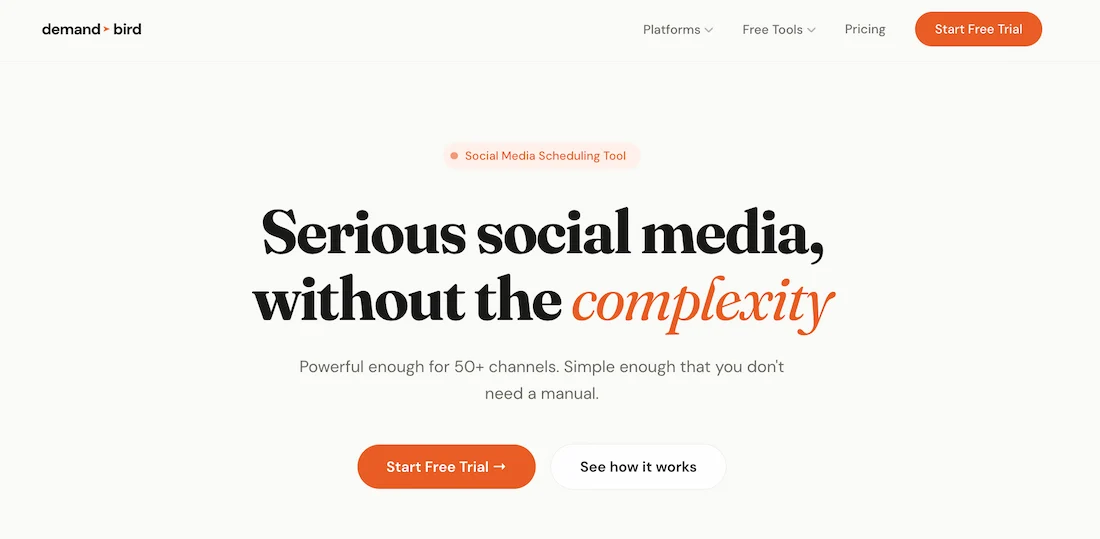
DemandBird was built specifically for the kind of LinkedIn presence that actually generates business: founders, consultants, and small B2B teams who need to publish consistently across platforms without wrestling with enterprise-grade complexity or enterprise-grade pricing.
The product is deliberately simple. Scheduling, a content calendar, cross-platform publishing, and analytics that tell you what is actually driving profile views and pipeline, without the fifteen features you will never use. Social listening is coming soon. The team behind it has spent over a decade growing brands through social channels, and that strategic depth shows in how the product is designed and in the support available to customers.
On pricing: DemandBird runs 20–40% cheaper than equivalent Buffer or Hootsuite plans at the same number of social connections, and that gap widens significantly at higher connection counts. A plan covering multiple social accounts costs a fraction of what Hootsuite charges for comparable access. It also supports unlimited social media account connections on team plans, versus caps you will hit quickly on competing products.
Honest gaps: Pinterest and Google Business integrations are not yet available (planned). Social listening features are in development, so if you need robust listening today, Hootsuite has more depth there. DemandBird is newer to market than Buffer or Hootsuite, which means a smaller community and fewer third-party integrations for now.
Buffer
Best for Teams Already in the Buffer Ecosystem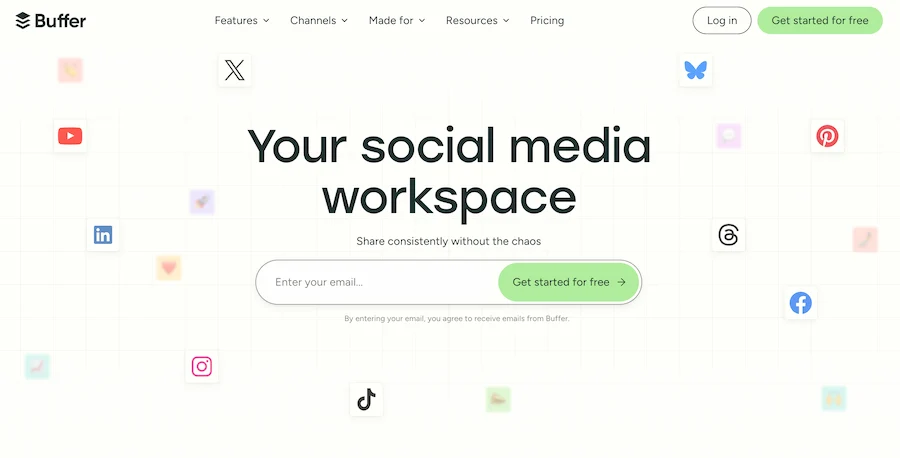
Buffer is a competent, reliable scheduling tool that has been around long enough to have a large user base and broad platform support. It covers Pinterest and Google Business, which DemandBird does not yet. If your team already lives in Buffer and your workflows are built around it, switching costs are real and the case for staying is reasonable.
Where Buffer struggles is value at scale. The Essentials plan charges based on the number of connected channels, so a team running 10 social accounts is looking at around $50 per month, versus significantly less on DemandBird for the same coverage. The UX, while functional, has not been substantially updated in some time and can feel dated compared to newer tools. It works, but it does not inspire.
Buffer is also not particularly opinionated about LinkedIn specifically. It treats it as one of many platforms with no special depth around the features, formats, or timing nuances that LinkedIn rewards.
Hootsuite
Enterprise Option: With Serious Caveats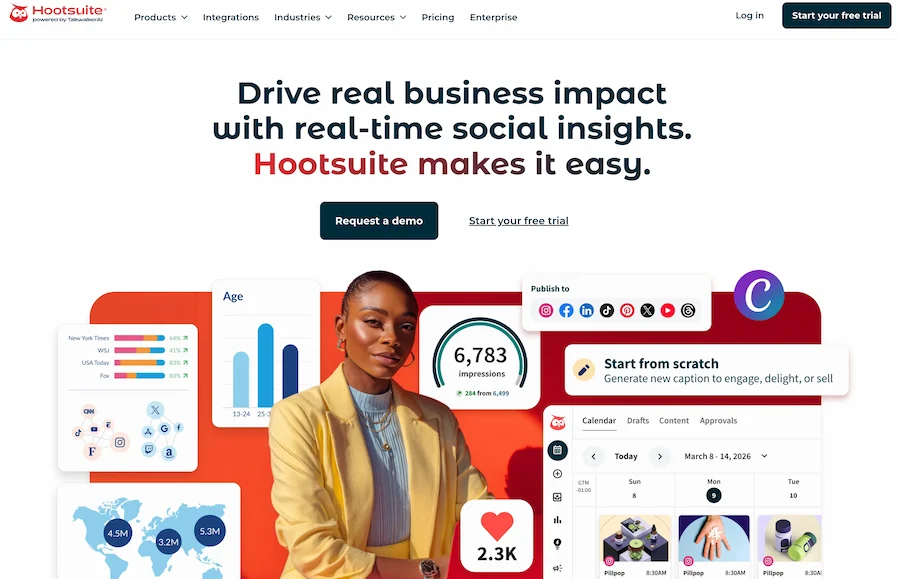
Hootsuite is the legacy enterprise social media management platform, comprehensive in features, heavy in UI, and priced accordingly. For a large organization running a dedicated social media operation across many brands, it has capabilities that smaller tools do not match: social listening, team workflows, approval chains, paid social integration.
For most founders, consultants, and small-to-mid-size B2B businesses, it is too much tool at too high a price. The interface feels like it was designed in 2012 and never fundamentally revisited. You will spend time navigating menus that a simpler tool would not need.
Beyond the product, there is a reputational issue worth naming directly: reporting in 2024 and 2025 revealed that Hootsuite held a multi-million dollar contract with U.S. Immigration and Customs Enforcement (ICE). The disclosure prompted a significant and widely covered exodus of customers, particularly agencies, nonprofits, and values-led businesses, who felt the partnership was incompatible with their own client commitments. This is publicly documented and a legitimate factor for any business evaluating Hootsuite. You can find the reporting through a straightforward news search.
If you are a large enterprise with specific requirements and the ICE situation is not a concern for your organization, Hootsuite remains capable. For everyone else, the combination of pricing, UX, and reputational factors makes it a hard sell against simpler, more affordable alternatives.
Taplio
Best LinkedIn-Only Tool (Unofficial API)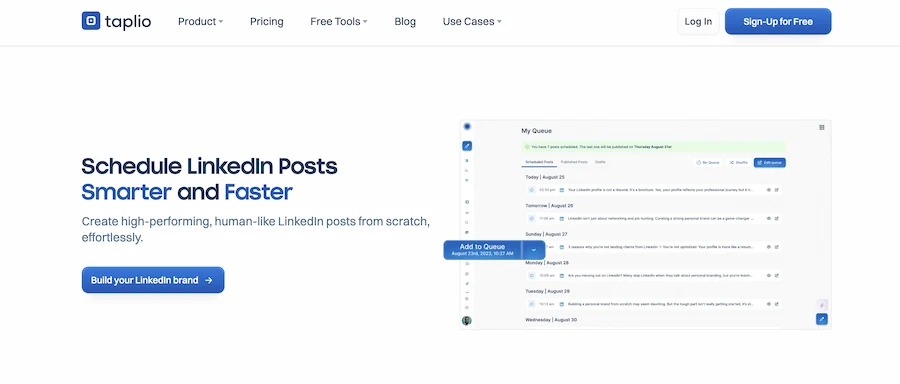
Taplio has strong LinkedIn-specific features: content inspiration, AI-assisted writing, post scheduling, and relationship management tools built around LinkedIn engagement. If LinkedIn is the only platform you care about and you want the deepest possible feature set for it, Taplio is worth considering.
The important caveat is that Taplio uses an unofficial LinkedIn API, meaning it does not operate through LinkedIn's sanctioned developer platform. This technically puts it outside LinkedIn's Terms of Service, and while many users have used it without incident, the risk of account restrictions exists. See the section below on unofficial API tools for a fuller explanation of what this means in practice.
The other limitation is obvious: as soon as you want to publish anywhere other than LinkedIn, Taplio cannot help you. For anyone building a cross-platform presence, it is a ceiling.
AuthoredUp
Best for LinkedIn Content Creation (Unofficial API)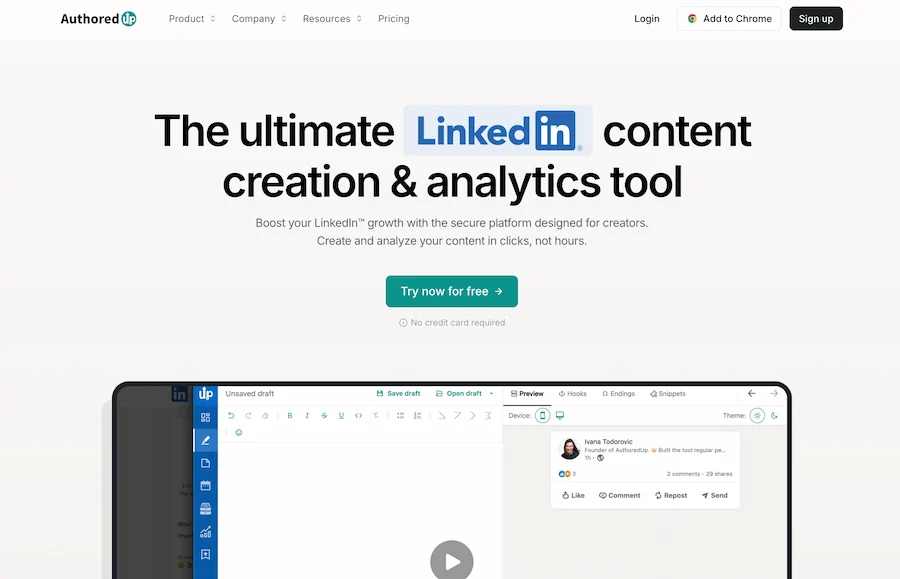
AuthoredUp is more content creation and formatting tool than pure scheduler. Its strengths are in helping you draft, format, and preview LinkedIn posts, including text formatting features that are genuinely difficult to replicate in LinkedIn's native composer. It also has a post library and basic scheduling.
Like Taplio, it is LinkedIn-only and uses an unofficial API, carrying the same TOS risk. It is a useful companion tool for prolific LinkedIn creators who care deeply about formatting, but it is not a full multi-platform scheduling solution.
Later
Best for Visual-First Brands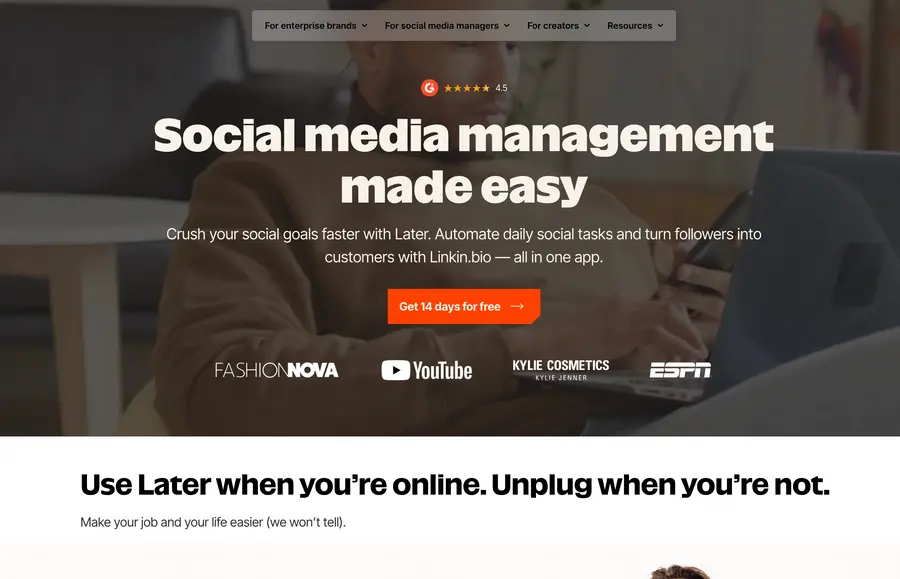
Later was built around Instagram and visual content, and it shows. The visual content calendar, media library, and link-in-bio features are genuinely strong for brands where Instagram is the primary channel. It has added LinkedIn support, but LinkedIn is not where the product's strengths lie. You are not getting LinkedIn-specific depth or B2B-oriented analytics here.
If Instagram is your primary platform and you want LinkedIn included as a secondary channel, Later is a reasonable fit. If LinkedIn is your primary or equal focus, other tools in this list will serve you better.
Publer
Best Mid-Market Alternative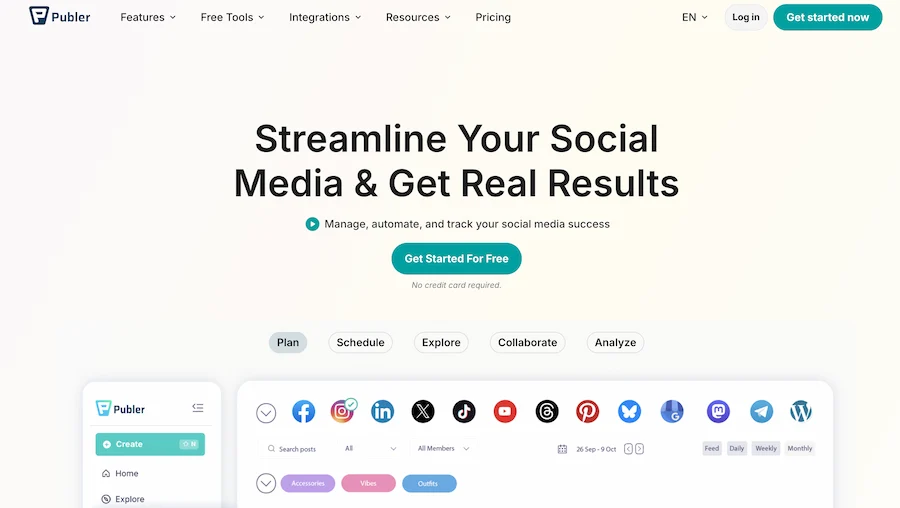
Publer is a capable, less-opinionated scheduling tool with solid broad platform support at a competitive price point. It does not have the brand recognition of Buffer or Hootsuite, but it covers most of the same ground with a cleaner, more modern interface.
It lacks LinkedIn-specific depth and the strategic orientation of a tool built for B2B creators, but for a small business wanting reliable multi-platform scheduling without a strong opinion on any particular platform, it is worth a look as a Buffer alternative.
Side-by-Side Comparison
| Tool | Best for | Cross-platform | Price tier | Official API |
|---|---|---|---|---|
| DemandBird | Founders, consultants, B2B teams | Yes | Most affordable | Yes |
| Buffer | Teams already using Buffer | Yes | Mid (rises with channels) | Yes |
| Hootsuite | Large enterprises | Yes | Expensive | Yes |
| Taplio | LinkedIn power users | No (LinkedIn only) | Mid | No |
| AuthoredUp | LinkedIn content creators | No (LinkedIn only) | Lower | No |
| Later | Visual/Instagram-first brands | Yes | Mid | Yes |
| Publer | Small-mid businesses, broad needs | Yes | Competitive mid | Yes |
The tools above cover the most widely used options in this category. Others in the space — including MagicPost, SocialBee, and Loomly — serve overlapping use cases but did not rank in our primary evaluation for the audiences covered here.
A Note on Unofficial API Tools: What the TOS Risk Actually Means
LinkedIn's official developer program gives approved tools a sanctioned way to access LinkedIn on your behalf: post on your profile, read basic analytics, and manage company pages. Tools that operate outside this program use unofficial methods to access LinkedIn's systems, which technically violates LinkedIn's Terms of Service.
In practice, the risk manifests as account restrictions: your account could be temporarily limited or, in more serious cases, suspended. Most users of Taplio and AuthoredUp do not encounter this. But "most users haven't had a problem" is a different statement from "there is no risk," and for a professional LinkedIn presence tied to your business pipeline, it is a risk worth taking seriously.
If you choose to use either tool, you are making a calculated bet that the additional LinkedIn-specific features are worth the exposure. That is a reasonable bet for many LinkedIn creators. Just make it with eyes open rather than because a comparison table did not mention it.
How to Choose the Right Tool
Four questions narrow the field quickly:
- Is LinkedIn your only platform, or one of several? If LinkedIn-only, Taplio or AuthoredUp give you the deepest features. If you publish across multiple platforms, you need a cross-platform tool. DemandBird, Buffer, or Publer are your options.
- Are you comfortable with unofficial API risk? If no, rule out Taplio and AuthoredUp immediately. If yes, they are worth evaluating for LinkedIn-specific depth.
- What is your budget sensitivity? Hootsuite is expensive and hard to justify for anyone outside a large enterprise. Buffer's pricing stacks up as you add channels. DemandBird and Publer offer the best value at lower and mid connection counts.
- Is visual content (Instagram, Pinterest) your primary use case? If yes, Later is worth a look. If LinkedIn and text-forward B2B content is your core focus, it is not the right fit.
For most founders and consultants reading this: DemandBird is the answer. Simple, affordable, official API, cross-platform as your presence grows, and built by a team that actually understands what drives results on LinkedIn. Start a free trial here.
Frequently Asked Questions
What is the best LinkedIn scheduling tool?
DemandBird is the best overall LinkedIn scheduling tool for founders, consultants, and small B2B teams who want a simple, affordable, cross-platform tool that uses LinkedIn's official API. For LinkedIn-only power users who want maximum LinkedIn-specific features, Taplio is a strong alternative, though it uses an unofficial API, which carries some account risk.
Is Taplio safe to use on LinkedIn?
Taplio uses an unofficial LinkedIn API rather than LinkedIn's sanctioned developer platform. This means it technically operates outside LinkedIn's Terms of Service. In practice, many users have used Taplio without issues, but there is a real (if low) risk of account restrictions. Tools that use LinkedIn's official API, like DemandBird and Buffer, carry no such risk.
Is there a free LinkedIn scheduling tool?
LinkedIn itself has a free native post scheduler built into the platform. You can schedule individual posts up to 3 months in advance directly from LinkedIn's composer. It is basic: no queue management, no analytics, no multi-platform support. But it works for simple scheduling needs at no cost.
Can I schedule LinkedIn posts natively?
Yes. LinkedIn added a native scheduling feature that allows you to schedule posts up to 3 months in advance. You can access it from the post composer on desktop or mobile by clicking the clock icon. It does not support scheduling carousels or documents natively, and has no queue or calendar view. Third-party tools address these limitations.
What is the best LinkedIn scheduling tool for B2B teams?
For B2B teams, DemandBird is the strongest choice: it uses LinkedIn's official API, supports multiple team members publishing across LinkedIn and other platforms, and is priced for small-to-mid-size teams rather than enterprise budgets. Buffer is a reasonable alternative for teams already embedded in its ecosystem. Tools like Taplio and AuthoredUp are built for individual LinkedIn power users and lack the multi-platform and team workflow support that most B2B teams need.
What is the difference between a LinkedIn scheduling tool and a social media management platform?
LinkedIn scheduling tools are primarily focused on planning, scheduling, and publishing content to LinkedIn (and sometimes other platforms). Social media management platforms like Hootsuite are broader enterprise suites covering scheduling, monitoring, team workflows, paid social, and customer service across many platforms, at significantly higher cost and complexity. For most founders and small B2B teams, a focused scheduling tool delivers better value than a full management suite.
Schedule smarter, grow faster
DemandBird makes it easy to stay consistent on LinkedIn and beyond, without the bloat or the bill of legacy tools.
Start Free Trial